
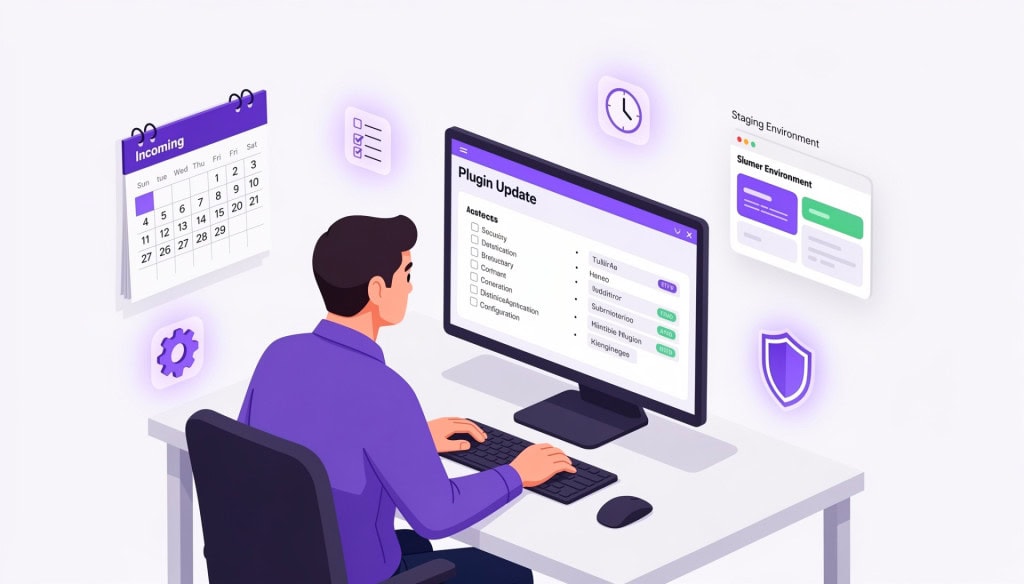
Most WordPress advice around plugin updates falls into two extremes. Either you are told to update everything immediately, or to leave things alone unless something breaks.
Both approaches sound reasonable, but neither reflects how real sites are managed.
Plugin updates are not just routine clicks. They are changes to a live system, and the timing of those changes directly affects whether your site stays stable or starts developing hard-to-trace issues.
Why This Matters More Than It Seems
On a typical WordPress site, plugins handle everything from contact forms to checkout flows. Each plugin connects with WordPress core, your theme, and often other plugins.
When you update one plugin, you are not just updating that tool. You are changing how it interacts with everything else.
A small utility plugin update might go unnoticed. But updating something like WooCommerce, a page builder, or a form plugin can affect how users interact with your site immediately.
For example, a WooCommerce update can change how the checkout process behaves. A form plugin update can silently stop email delivery. These are not theoretical risks. They are issues that show up on live sites more often than most people expect.
The Difference Between Minor and Major Updates
Not all updates carry the same weight, and this is where most update strategies fall apart.
A minor update, such as moving from version 6.8.1 to 6.8.2, usually includes small bug fixes or minor patches. The risk of this breaking your site is low.
A major update, such as moving from version 6.x to 7.0, is entirely different. Major versions often introduce new features, change underlying logic, or alter how data is stored.
Applying major updates blindly to a live site is how things break. These updates require context, testing, and ideally, a safe environment to review the changes before they hit production.
The Problem With Batch Updating
When updates are ignored for months, they pile up. When you finally log in, you might see 15 or 20 plugins demanding attention.
The temptation is to hit “Update All” and walk away. This is called batch updating, and it is a massive risk.
When you update 15 plugins at once and something on the site breaks, you have no immediate way of knowing which update caused the failure. You are left troubleshooting a complex web of recent changes instead of simply rolling back a single bad update.
Finding a Rhythm That Actually Works
The safest approach is neither immediate nor ignored. It is deliberate.
For most businesses, a weekly or fortnightly update schedule is a solid baseline. This rhythm prevents updates from piling up into a massive, risky batch, but it also allows enough time for the WordPress community to discover and report bugs in new releases before you apply them to your own site.
There are exceptions. Security patches should be applied immediately, regardless of the schedule. But for standard updates, consistency beats speed.
Who Should Be Doing This?
If you are managing your own site, a weekly schedule and a healthy respect for major version jumps will keep you out of trouble most of the time.
However, if you are paying an agency or a freelancer to maintain your site, you should pay attention.
A basic question to ask them is simple:
“How are updates handled before they go live, and what happens if something breaks?”
If the answer is “we just update everything regularly” or “updates are automatic,” there is no real process behind it.
A structured approach should include awareness of what is being updated, a defined update schedule, a way to handle failures or rollbacks, and some level of post-update verification.
You do not need a complex system for every site, but you do need more than blind updates.
Conclusion
Plugin updates are often treated as routine maintenance, but they are better understood as controlled changes to a live system.
Ignoring updates increases long-term risk. Updating everything immediately introduces short-term instability. The safer approach sits between those extremes.
For most sites, a weekly or fortnightly update rhythm, combined with basic awareness and verification, is enough to avoid common problems.
The difference is not in how often updates happen. It is in how deliberately they are managed.
If you are not sure how plugin updates are currently handled on your site, or if past updates have caused issues, a structured process can make a noticeable difference. WPFellow’s WordPress Care Plans manage updates in a way that keeps your site stable while staying current.



